
PC Classic
★★★★★
Explore Liberty City on WebAssembly at 60 FPS. Experience 3D urban simulation with island progression, vehicle perks, and PC cheats.
Year 2002Ad-Free Available
💻 Chromebook🎮 Controller
3 Playable SitesWhere to Play→
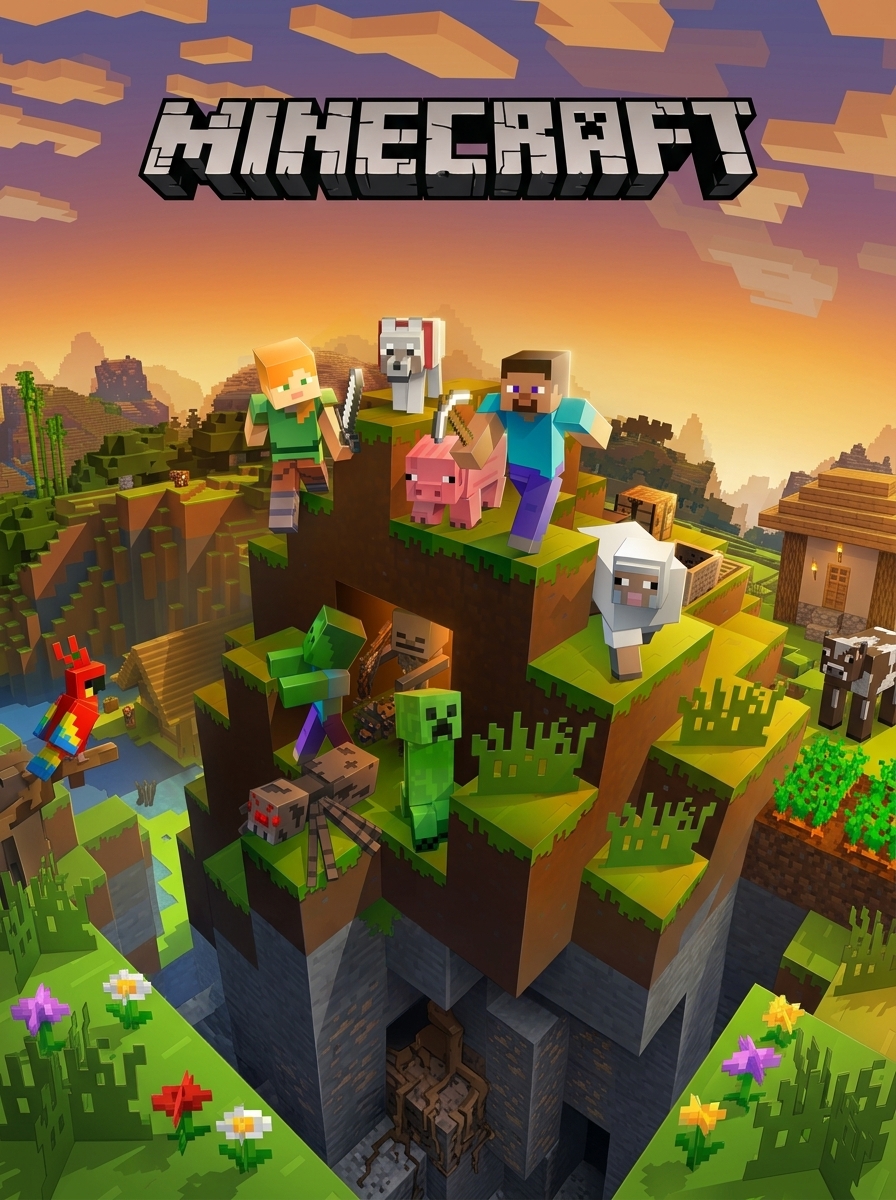
Java Edition 1.8.8 survival, creative, and multiplayer on WebAssembly
Survive and build in Minecraft 1.8.8 on WebAssembly. Classic pre-1.9 combat, 10-minute day cycle, Y-level mining chart, and .epk backups.
Non-profit open-source web container, 100% ad-free instant play
Commercial arcade portal (contains banner & video ads)
Community DOSBox WebAssembly archive
In Minecraft 1.8.8, sword block-hitting cancels attack delay while cutting damage by 50%. Mine at Y=11 to avoid lava lakes, and use the 1-Lapis reroll trick on enchanting tables.
Minecraft Java Edition 1.8.8 represents the defining era of classic voxel sandbox gameplay. Compiled via the open-source TeaVM toolchain, EaglercraftX renders complete procedural 3D worlds, redstone circuits, and mob AI directly in WebGL 2.0 at 60 FPS.
In 1.8.8, daylight lasts exactly 10 minutes (12,000 game ticks) before hostile monsters spawn at light level 7 or below:
| Game Time | Daylight Elapsed | Critical Survival Milestone |
|---|---|---|
| 06:00 | Minute 0 - 2 | Punch 12-16 logs; craft Crafting Table, Wooden Pickaxe, and Wooden Shovel. |
| 08:00 | Minute 2 - 4 | Mine 20-30 Cobblestone; craft Stone Pickaxe, Stone Axe, Stone Sword, and Furnace. |
| 12:00 | Minute 4 - 6 | Hunt 3 Sheep for Wool to craft a Bed (skips night and resets spawn point). |
| 15:00 | Minute 6 - 8 | Mine surface Coal or smelt Logs in a Furnace to create Charcoal torches. |
| 17:30 | Minute 8 - 10 | Seal a 5x5 shelter with Cobblestone or Dirt; place Bed, Torches, and Chest before 18:00 sunset. |
Version 1.8.8 retains the beloved combat system before the 1.9 attack cooldown recharge gauge was introduced:
Attack Frequency: Swords strike as fast as you can click without damage decay, enabling high-CPS combos against zombies, skeletons, and spiders.Block-Hitting: Press Left Click (Attack) and Right Click (Block) simultaneously with a sword. Blocking reduces incoming melee and projectile damage by 50% while maintaining attack momentum.Critical Hits: Strike an enemy while falling from a jump to deal 150% base weapon damage, accompanied by star particles.World generation in 1.8.8 distributes ores according to specific height boundaries:
| Resource Ore | Optimal Y-Level Range | Extraction Tool Required | Best Mining Strategy |
|---|---|---|---|
| Diamond | Y = 1 to Y = 15 | Iron Pickaxe or better | Branch mine at Y = 11 to stay above lava lakes |
| Redstone | Y = 1 to Y = 16 | Iron Pickaxe or better | Abundant near bedrock layers |
| Gold | Y = 1 to Y = 32 | Iron Pickaxe or better | Cave exploration and deep ravine walls |
| Iron | Y = 1 to Y = 64 | Stone Pickaxe or better | Mountain caves, deep ravines, and shaft mining |
| Coal | Y = 1 to Y = 128 | Wooden Pickaxe or better | Surface exposed cliff faces and shallow caves |
All world chunks, player inventories, and structures are written to your browser's IndexedDB database. Because browser caches can be cleared by automated cleaning tools, always export your world via the in-game 'World Actions' menu as an .epk backup file. This file can be imported back into WASM Arcade at any time.
| Action | Keyboard / Mouse | Gamepad / Controller |
|---|---|---|
| Walk / Movement | W / A / S / D | Left Analog Stick |
| Sprint | Double-tap W or Left Ctrl | Click Left Stick (L3) |
| Jump | Spacebar | A Button |
| Sneak / Crouch | Left Shift | Click Right Stick (R3) |
| Mine / Attack | Left Click | Right Trigger (RT) |
| Place Block / Interact | Right Click | Left Trigger (LT) |
| Open Inventory | E | Y Button |
| Drop Held Item | Q | B Button |
| Release Mouse / Pause | Escape (Esc) | Start / Menu |
| Chat / Command | T / / | D-Pad Right |
| Toggle Perspective (F5) | F5 | Select / Back |
The optimal height for Diamond mining is Y = 11. Diamonds generate between Y = 1 and Y = 15, but standing at Y = 11 keeps your feet level with surface lava pools, allowing you to pour water buckets and create obsidian walkways without burning.
Equip a sword and hold Right Click while rapidly tapping Left Click. This strikes enemies at maximum click speed while granting 50% damage reduction from incoming monster strikes or arrows.
Open the singleplayer world list, click 'World Actions', and select 'Export World (.epk)'. This downloads a compressed world file to your computer that you can import back into WASM Arcade at any time.
Yes. The Multiplayer menu supports connecting to community WebSocket relays (wss://). You can join public survival, creative, and minigame servers directly from the in-game list.
Version 1.8.8 preserves the original combat mechanics before the 1.9 Combat Update introduced weapon attack cooldown bars, off-hand shields, and sweeping sword strikes. It remains the gold standard for competitive PvP and fast-paced survival.
Explore Liberty City on WebAssembly at 60 FPS. Experience 3D urban simulation with island progression, vehicle perks, and PC cheats.

Experience Michael, Franklin, and Trevor's interwoven criminal sagas across Los Santos and Blaine County. Plan multi-phase heists, evade 5-star police pursuits, and master the stock market.

Springfield is under surveillance by alien reality-TV producers. Drive, kick, and complete missions across 7 distinct story levels as Homer, Bart, Lisa, Marge, and Apu.