Arcade & GBA
★★★★☆
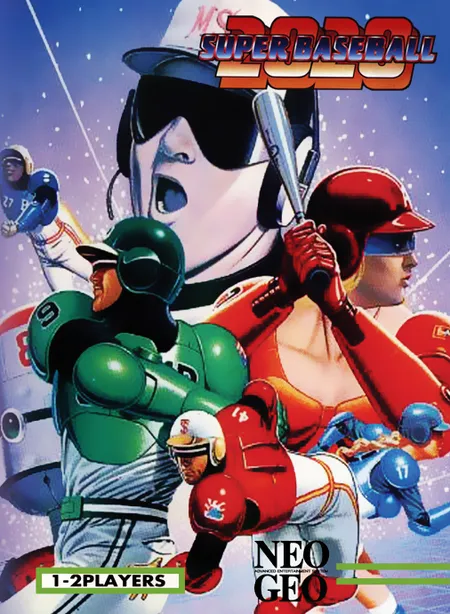
Play 2020 Super Baseball arcade coin-op edition online in your browser. Features full controller support, original stages, and instant auto-saving.
Year 2005Ad-Free Available
💻 Chromebook🎮 Controller
3 Playable SitesWhere to Play→
Arcade & GBA Classic (2005)
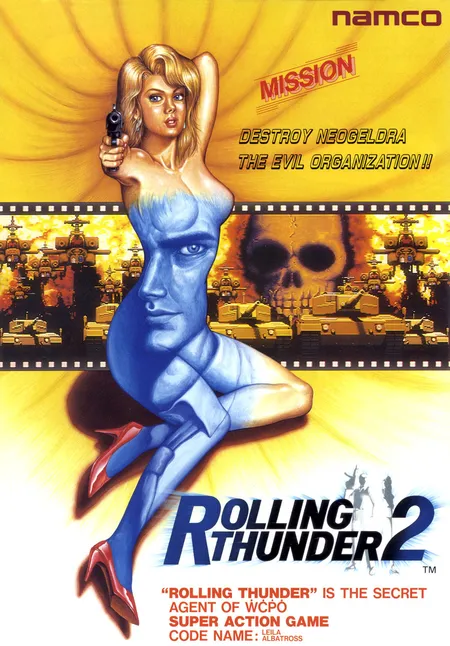
Experience Rolling Thunder 2 directly in your browser. Powered by WebAssembly with responsive frame rates, full audio synthesis, and save state persistence.
Commercial arcade portal (contains banner & video ads)
Community retro archive (ad-supported)
Rolling Thunder 2 (2005) is fully preserved and playable directly in your web browser through WebAssembly. Enjoy original graphics, responsive audio synthesis, and authentic control mapping with instant loading.
| Action | Keyboard / Mouse | Gamepad / Controller |
|---|---|---|
| Movement | WASD / Arrow Keys | Left Analog Stick / D-Pad |
| Action / Fire | Left Click / Space / Z | A / X / Right Trigger |
| Pause / Options | Esc / Enter | Start Button |
Press the 'V' or '5' key on your keyboard (or 'Select' / 'Back' on a connected gamepad) to insert coins, then press '1' or 'Enter' ('Start' on controller) to start playing.
Yes, modern Xbox, PlayStation, and generic USB/Bluetooth gamepads are automatically recognized upon plugging in or pressing any controller button.
The WebAssembly arcade runtime automatically writes battery SRAM and EEPROM states to your browser's local storage upon finishing stages or updating high score tables.
Play 2020 Super Baseball arcade coin-op edition online in your browser. Features full controller support, original stages, and instant auto-saving.
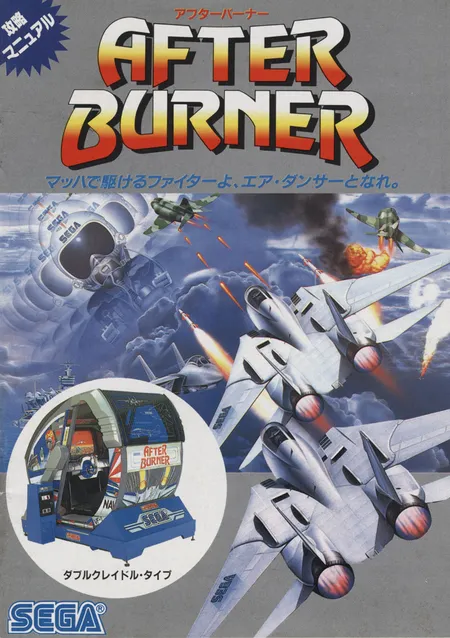
Experience After Burner II directly in your browser. Powered by WebAssembly with responsive frame rates, full audio synthesis, and save state persistence.
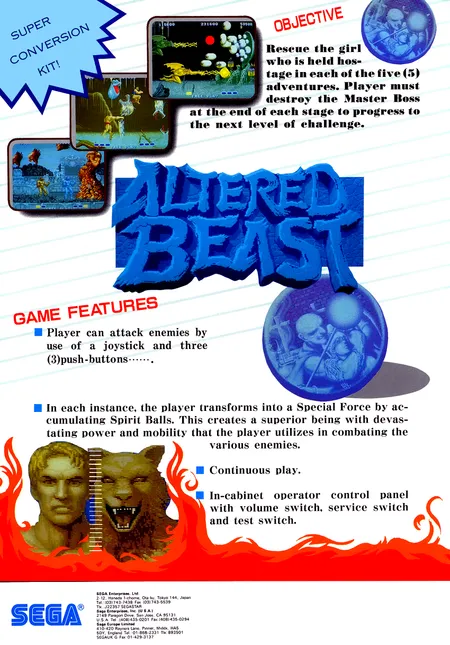
Experience Altered Beast directly in your browser. Powered by WebAssembly with responsive frame rates, full audio synthesis, and save state persistence.