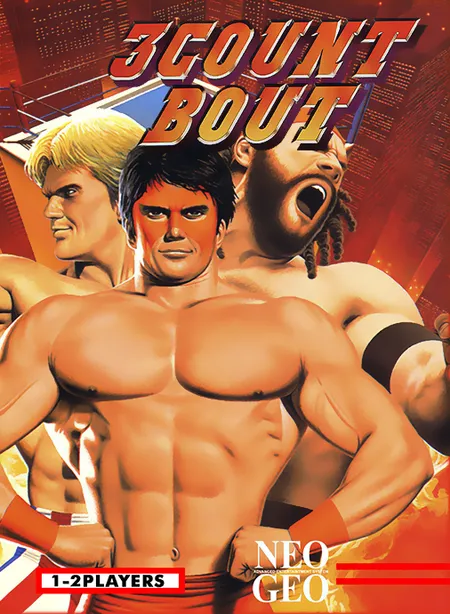
SNK Neo Geo
★★★★☆
Play 3 Count Bout arcade coin-op edition online in your browser. Features full controller support, original stages, and instant auto-saving.
Year 1996Ad-Free Available
💻 Chromebook🎮 Controller
3 Playable SitesWhere to Play→
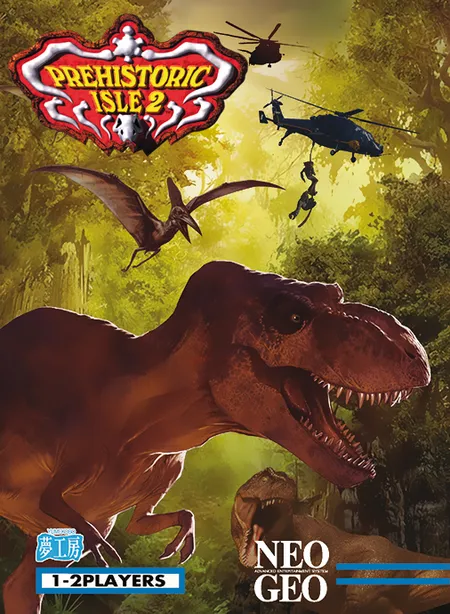
SNK Neo Geo Classic (1996)
Experience Prehistoric Isle 2 directly in your browser. Powered by WebAssembly with responsive frame rates, full audio synthesis, and save state persistence.
Commercial arcade portal (contains banner & video ads)
Community retro archive (ad-supported)
Prehistoric Isle 2 is a premier SNK Neo Geo arcade classic originally released in 1996. In this WebAssembly preservation edition, the title runs with authentic cycle-accurate 68000 CPU and Z80 audio execution directly in your browser without requiring any external emulators or plugins.
| Action | Keyboard / Mouse | Gamepad / Controller |
|---|---|---|
| Directional Movement | W / A / S / D or Arrow Keys | D-Pad / Left Stick |
| Light Punch / Attack (A) | J or X | X / Square Button |
| Light Kick / Jump (B) | K or Z | A / Cross Button |
| Heavy Attack (C) | U or C | Y / Triangle Button |
| Heavy Kick / Blowback (D) | I or V | B / Circle Button |
| Insert Coin / Start | 5 or V (Coin) • 1 or Enter (Start) | Select / Start |
Press the 'V' or '5' key on your keyboard (or 'Select' / 'Back' on a connected gamepad) to insert coins, then press '1' or 'Enter' ('Start' on controller) to start playing.
Yes, modern Xbox, PlayStation, and generic USB/Bluetooth gamepads are automatically recognized upon plugging in or pressing any controller button.
The WebAssembly arcade runtime automatically writes battery SRAM and EEPROM states to your browser's local storage upon finishing stages or updating high score tables.
Play 3 Count Bout arcade coin-op edition online in your browser. Features full controller support, original stages, and instant auto-saving.
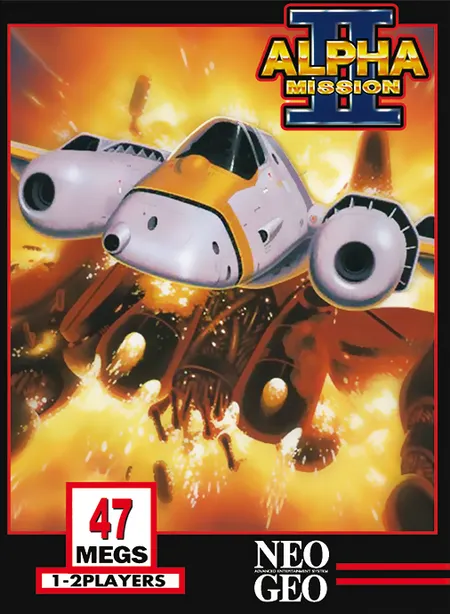
Play Alpha Mission II arcade coin-op edition online in your browser. Features full controller support, original stages, and instant auto-saving.
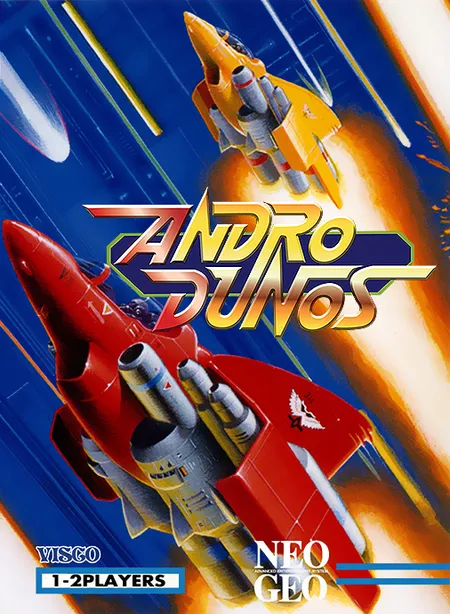
Play Andro Dunos arcade coin-op edition online in your browser. Features full controller support, original stages, and instant auto-saving.